I bought Google’s Pixel Watch 5 . I went with the 41 mm size in Fog.
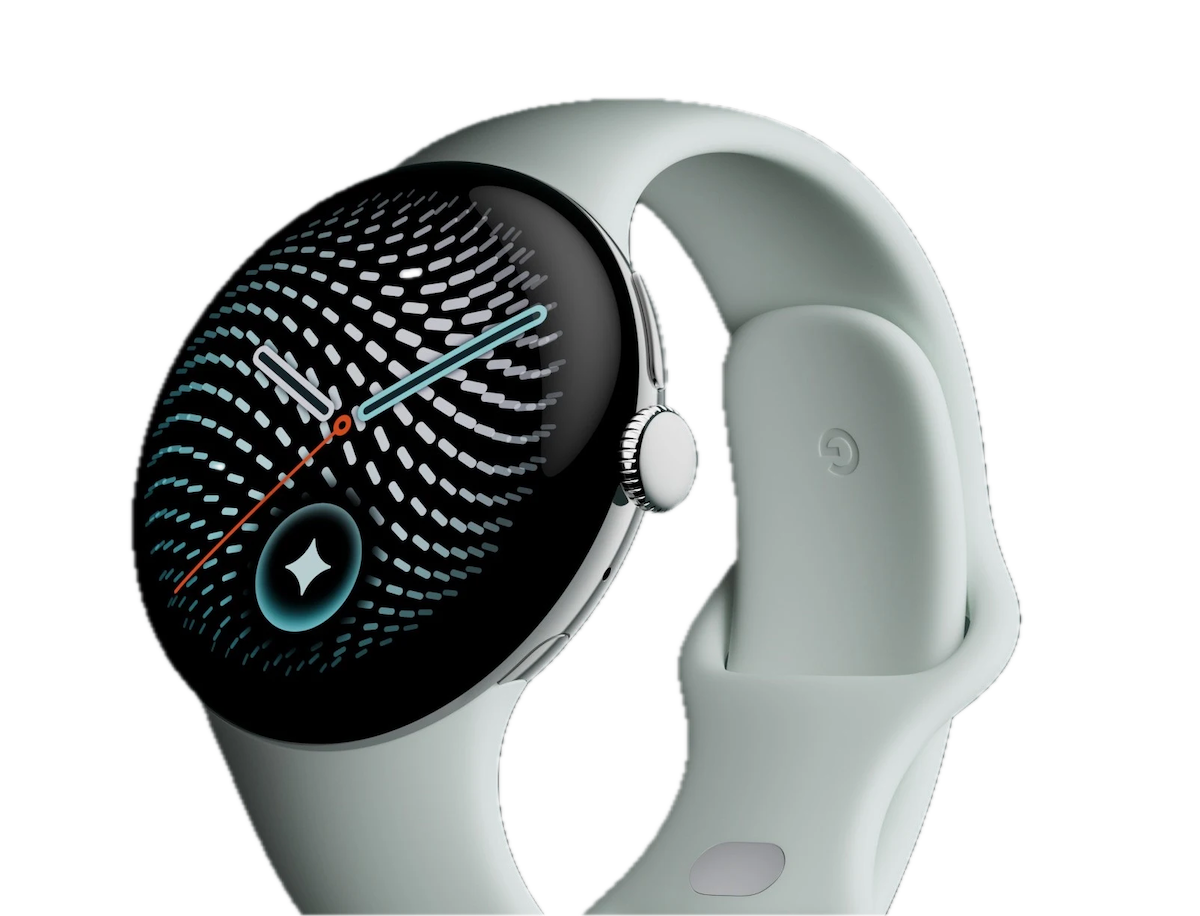
I ordered it from the Google Store on Sunday, October 4, and it arrived on Tuesday, October 6. The last smartwatch I bought was the Fitbit Sense 2 in [2025-06-21-1] , so it hasn’t even been a year and a half.
Price
It was ¥62,800, but after deducting the ¥8,500 trade-in value for the Fitbit Sense 2 from [2025-06-21-1] , I paid ¥54,300.
My younger self would probably have thought, “50,000 yen for a watch?” But that’s just what smartwatches cost these days, and I decided it was fine to buy one at least once.
Why I Bought It
The direct trigger was that the Fitbit Sense 2’s band was starting to tear, but the real reason was that I was never very satisfied with the Fitbit Sense 2 in the first place.
On top of the tap misrecognition I mentioned in the previous article, the screen sometimes wouldn’t turn off, and it just felt somewhat unpolished overall. I thought I knew what I was getting into when I bought it, though 😅
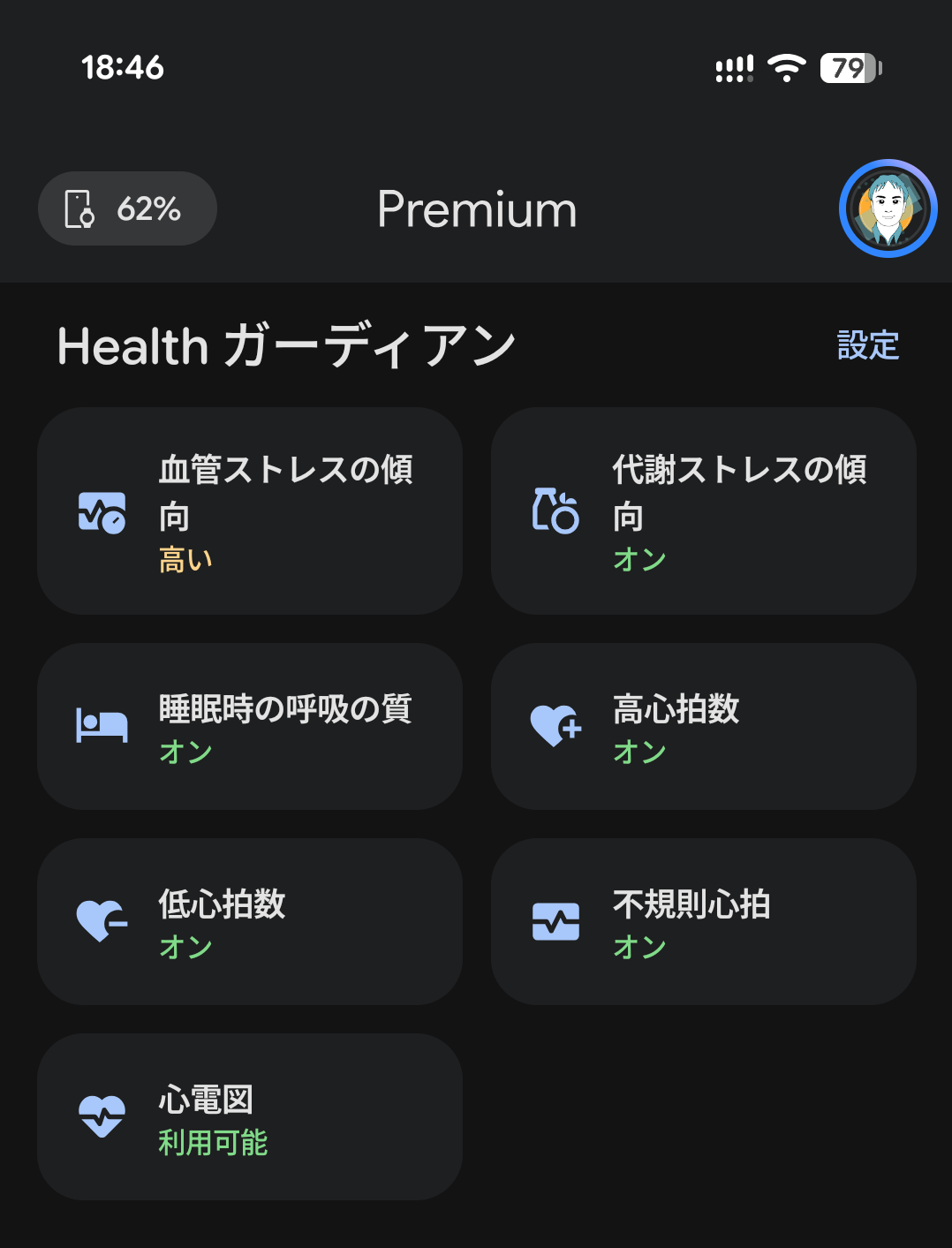
The other reason was the health features. The Pixel Watch 5 has features like these:
- ECG app
- Irregular heart rhythm notifications
- High/low heart rate notifications
- Trends in vascular stress, metabolic stress, and breathing quality during sleep
Of these, the ECG app and irregular heart rhythm notifications are approved as home-use software medical devices in Japan1.
Reference: 🔗 Google’s announcement of the Pixel Watch 5
In Japan, the Fitbit Sense 2 couldn’t use the ECG app, so it couldn’t detect signs of atrial fibrillation (AFib). With the Pixel Watch 5, I can check for it with the ECG app.
In the Google Health app, these features are grouped together as Health Guardian. The last one, the vascular stress trends and so on, only became available in late September and works on the Pixel Watch 3 through 52.
That said, as footnote 3 of the Google blog post above notes, these features are not intended to “substitute for professional medical advice,” so you should keep that in mind.
Trying It at the Google Store Omotesando Made Me Choose 41 mm
On Saturday, October 3, the day before I bought it, I visited the Google Store in Omotesando .
I had two goals: to see in person how big the 45 mm model really is, and to ask the staff how the 41 mm model’s battery life holds up in practice.
When I asked a staff member, she said the 41 mm’s battery life isn’t great, as I expected. The official figures are 30 hours for the 41 mm and 40 hours for the 45 mm, so that made sense.
While I was there, I also got to try the Pixel 11 Pro Fold and chatted about things not directly related to the Pixel Watch 5, which was fun.
As for the 45 mm, my wrists are on the thin side for a man, so it did feel big. Even so, when I left the Google Store I was planning to buy the 45 mm. In the end, I bet on being diligent enough to charge it regularly and went with the 41 mm.
So far I’ve been able to charge it every day while I shower, so it hasn’t been a problem. However, I don’t know yet whether it can survive a forgotten charge like the Fitbit Sense 2 could, since I haven’t forgotten yet.
What I Found After Using It
Overall, it feels very polished. Almost all of the complaints I had with the Fitbit Sense 2 are gone.
- Taps and swipes are responsive
- The screen doesn’t stay on
- The band’s thickness and texture are nice
- It syncs with Bedtime mode and Do Not Disturb on my Pixel phone
Also, walks are still detected automatically, but the screen doesn’t switch to a walking mode, which is a plus for me. I’m old-fashioned, so a watch that can’t show the time just feels wrong to me 😅
The Fitbit Sense 2 had a square screen, while the Pixel Watch 5’s is round. I wondered if that would make it harder to use, but content near the edge of the screen is scaled down, so it bothers me less than I expected.
It also measures heart rate frequently, so now I have a good sense of my heart rate at rest and after light activity.
I tried the ECG app too. You launch the ECG app on the Pixel Watch and take a reading by placing your index finger on the crown. You can download the results as a PDF from the Google Health app on your phone.
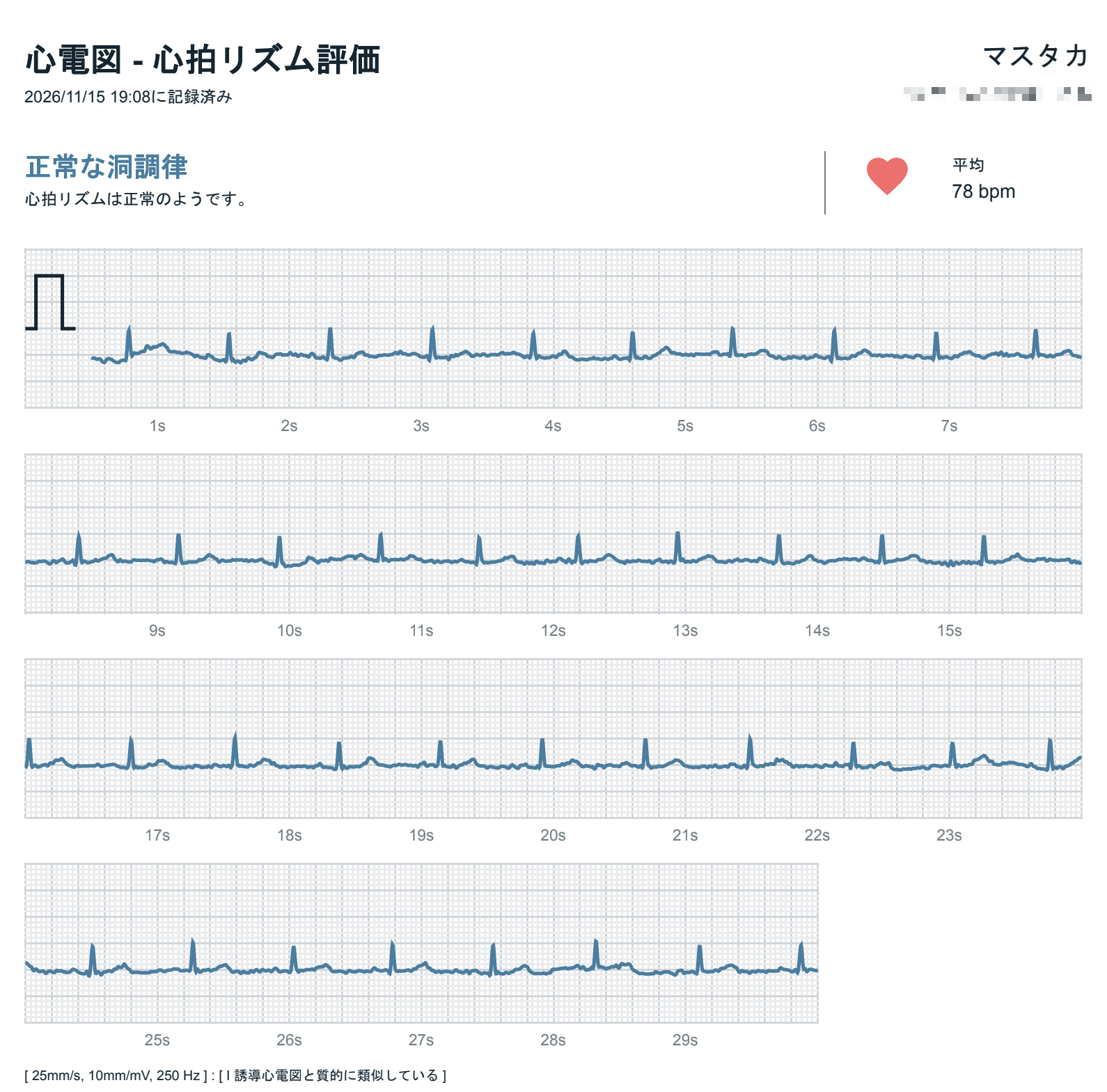
As for Health Guardian, my reaction so far is just “Huh, interesting.”
Downsides
Compared to the Fitbit Sense 2, I’d personally recommend the Pixel Watch 5. The battery life is the one weak point, though.
The 41 mm’s official battery life is 30 hours, so you have to charge it every day. I don’t think it’s for people who only want to charge every few days.
It costs nearly twice as much as the Fitbit Sense 2’s ¥32,800. Still, the Apple Watch Series 12 42 mm (GPS model) starts at ¥71,800, so it’s cheaper than that.
Also, the Pixel Watch is designed to be used with an Android phone, so it doesn’t work with iPhone.
A minor point: TickTick reminders, which I introduced in [2021-04-07-1] , stopped showing up as notifications on my phone. Turning off TickTick notifications to the Pixel Watch fixed it. Something to watch out for if you use TickTick.
Conclusion
The Pixel Watch 5 is very polished overall, and it’s satisfying enough to justify the price. It simply works as a smartwatch should, and that obvious thing turns out to be really nice.
By the way, here’s the battery life of every watch I’ve written about so far:
| Watch | Article | Battery life (official) |
|---|---|---|
| CASIO PHYS | [2016-09-19-1] | 10 years |
| Amazfit Bip | [2018-01-28-1] | 45 days |
| Fitbit Sense 2 | [2025-06-21-1] | 6+ days |
| Pixel Watch 5 | This article | 30 hours |
Every time I upgrade, the battery life keeps getting shorter 😅

 amazon.co.jp
-
プログラム医療機器の承認等情報 | 独立行政法人 医薬品医療機器総合機構 (Approval information on software as a medical device | Pharmaceuticals and Medical Devices Agency) ↩︎
-
グーグル、Pixel Watch新機能「Health Guardian」提供開始 血管ストレスや代謝ストレス傾向を追跡 - ケータイ Watch (Google launches new Pixel Watch feature Health Guardian, tracking vascular and metabolic stress trends - Keitai Watch) ↩︎